
Skip to content

Several centers, one account.

GymGym is also built for chains and groups with more than one site. Each center runs with its own timetable, team and takings, and management sees every center’s figures added up, without merging spreadsheets.

  • Several facilities in one account
  • Statistics per center and for the company
  • Onboarding center by center

From the whole company to a single center.

The statistics you know from one center, now for all of them: what every center registers adds up in the company view, and each center keeps its own.

  • Company view. Income, expenses, result, members, entries, classes and bookings of every center, added up.
  • Center view. The same figures for one center, in its own panel.
  • Same periods. Daily, weekly, monthly, yearly or a custom range, in both views.

Home · Statistics

Company statistics

Marea Training Club · 3 centers · period summary

Income registered €31,240 Income minus refunds
Expenses registered €9,540 Cost of sales and expenses
Margin 69 % Result registered €21,700 Income minus expenses
Entries registered 9,812 Entries, without staff clock-ins

Income by month

  1. May
  2. Jun
  3. Jul
  4. Aug
  5. Sep
  6. Oct

What the chain shares and what each center keeps.

One way of working for the whole company, with room for each site to run its own day.

Across the chain

Defined once, for every center.

  • One catalogue of memberships, class packs and products, with its prices.
  • Plans for several centers: you choose where each one is sold and which centers it gives access to.
  • Company statistics with every center added up.
  • Your settings, modules, points and levels, the same in every site.

In each center

Its own panel, team and figures.

  • Opening hours and special days, classes and activities.
  • Turnstiles and gates for its entrance.
  • Its team, with permissions for that center.
  • Its expenses, clock-ins and statistics, and which plans are sold there.

Everyone sees their part.

Each person on the team is assigned to one or more centers, with permissions per center. Management sees them all.

  • A gym manager in a blazer in a bright training room

    Management

    Sees every center and the company statistics. Adds centers, decides the catalogue and gives each person their centers and permissions.

    CentersAll centers

    • Company statistics
    • Centers and team
    • Catalogue and prices
  • A staff member shows a member something on her phone

    Center manager

    Runs their center with the permissions you give them, including its statistics and, if you want, its financial information.

    CentersMarea Puerto

    • Manage users
    • Manage classes
    • See statistics
    • Financial information
  • A trainer helps a member with an exercise on the gym floor

    Floor and front desk

    Works in the centers they are assigned to, with just what their day needs, and only gets the alerts of those centers.

    CentersMarea Centro · Marea Norte

    • Sell products
    • Manage access
    • See statistics
    • Financial information

And every site’s day-to-day, in order.

  • Expenses by center or for the company

    Each expense belongs to a center or to the whole company, and the company view filters by center.

    Marea Norte · MaintenanceExpense of the center

  • Team clock-ins in every center

    Hours of the whole team in one company view, with the center of each clock-in.

    Irene Campos · 07:58Clock-in · Marea Puerto

  • Scheduled reports

    Daily, weekly, monthly or yearly reports for the whole company or for one center.

    Monday reportAll centers · weekly

  • Alerts for the right people

    Management gets every alert; each person, only those of their centers and permissions.

    Marea CentroNew sign-up · for its team

How we get your chain up and running.

Center by center, with you and each team, at the pace the chain needs.

  1. 1 Demo with your chain

    You tell us how many centers you have, how they are organised and what management needs to see.

  2. 2 Company structure

    Each center with its opening hours, activities and access, and the shared catalogue of plans.

  3. 3 Team and permissions

    Every person gets their centers and what they can do in each one.

  4. 4 Start in phases

    Start with one center and add the rest at your pace; we review each center’s data with you.

Questions from chains.

If yours is not here, ask us in the demo or on WhatsApp.

Yes. Your company in GymGym has one facility per center, each with its own opening hours, classes, access, team and statistics, and management sees them all from the same account.

Yes. Income, expenses, result, members, entries, classes and bookings of every center add up in the company view, and each center keeps its own statistics.

Yes, if their plan or class pack is valid there: when you create a plan you choose where it is sold and which centers it gives access to. The member must be registered in each center where they train, and in the app they choose among those centers.

Yes. Each person is assigned to one or more centers, with permissions per center: managing users, selling, access, classes, seeing statistics or financial information, among others. Management always sees every center.

The same person can belong to several companies in GymGym, with their role in each one, and switch between them from the panel. Statistics add up within each company.

Tell us how many centers you have, how many members and which modules you need, and we prepare a quote for the whole chain. The prices for one center are published on the pricing page.

See pricing

Shall we look at your chain in GymGym?

Tell us how many centers you have and how each one works, and we prepare a demo with your case: the company view, each center and the team.

By sending you accept the privacy policy.

  • Reply during business hours
  • Demo built around your case

Prefer to talk right now? WhatsApp Call us

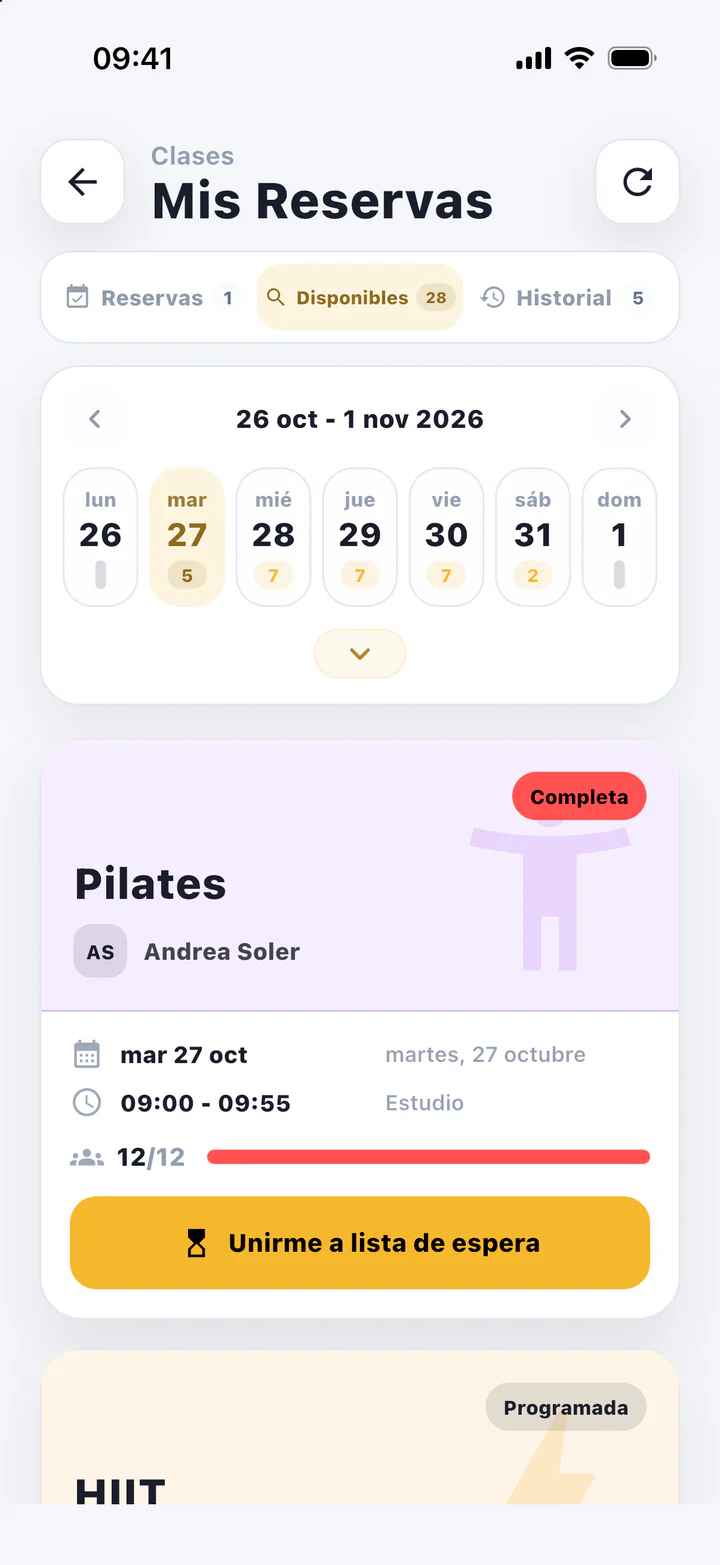
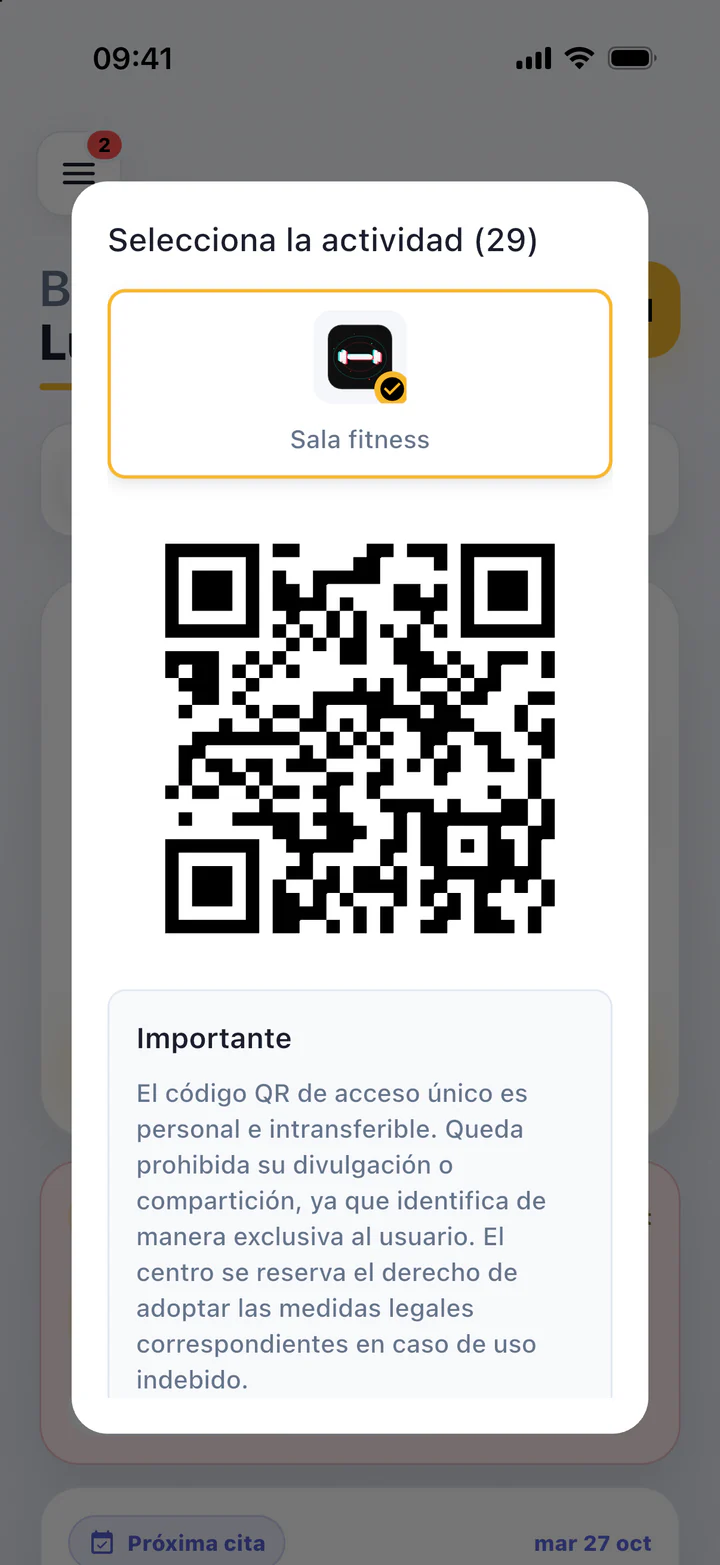
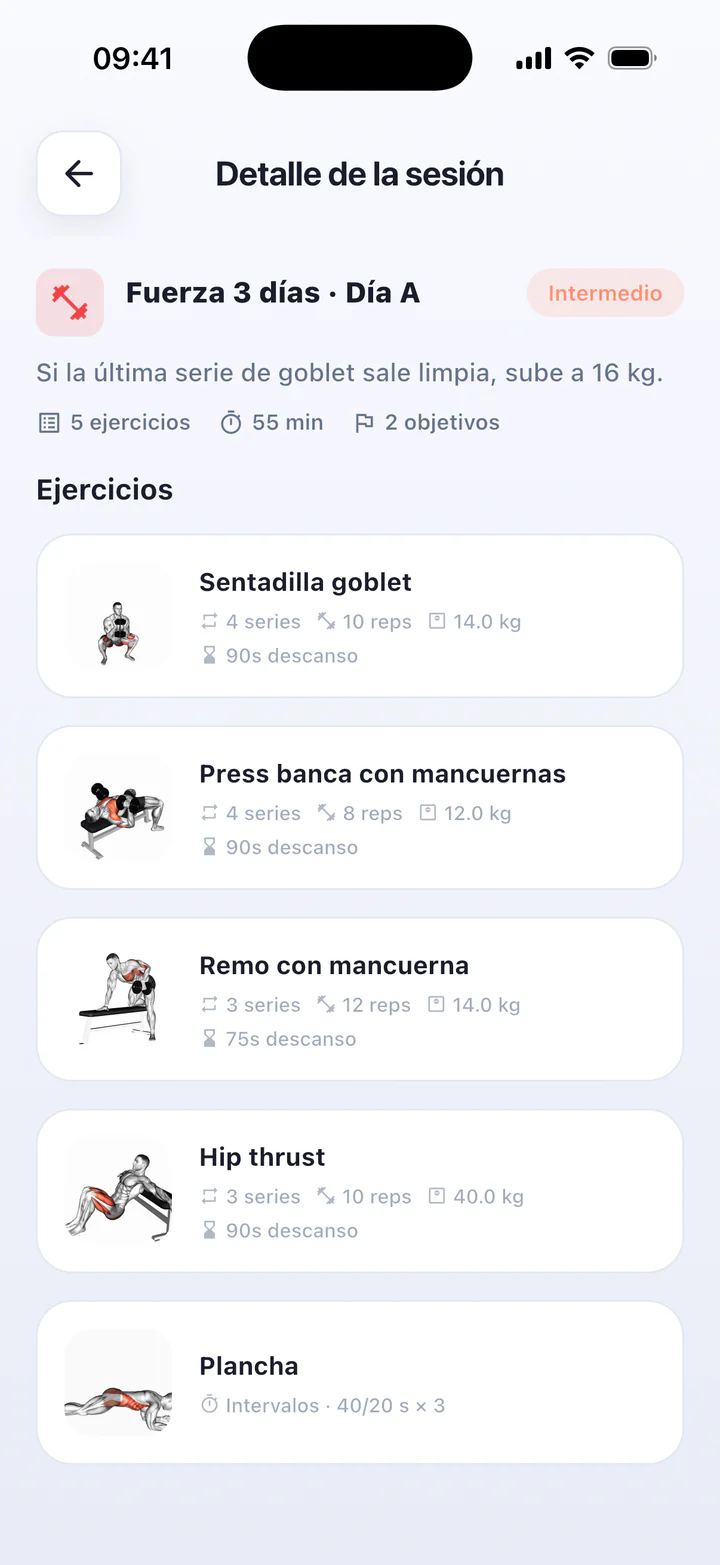
GymGym member app showing this week’s classesGymGym member app showing the access QRGymGym member app showing today’s workout